New Buzz Functionality; Terminal Screenshots


Buzz Schedule
I’ve been working on a new command for buzz: buzz schedule. Here’s what it looks like:
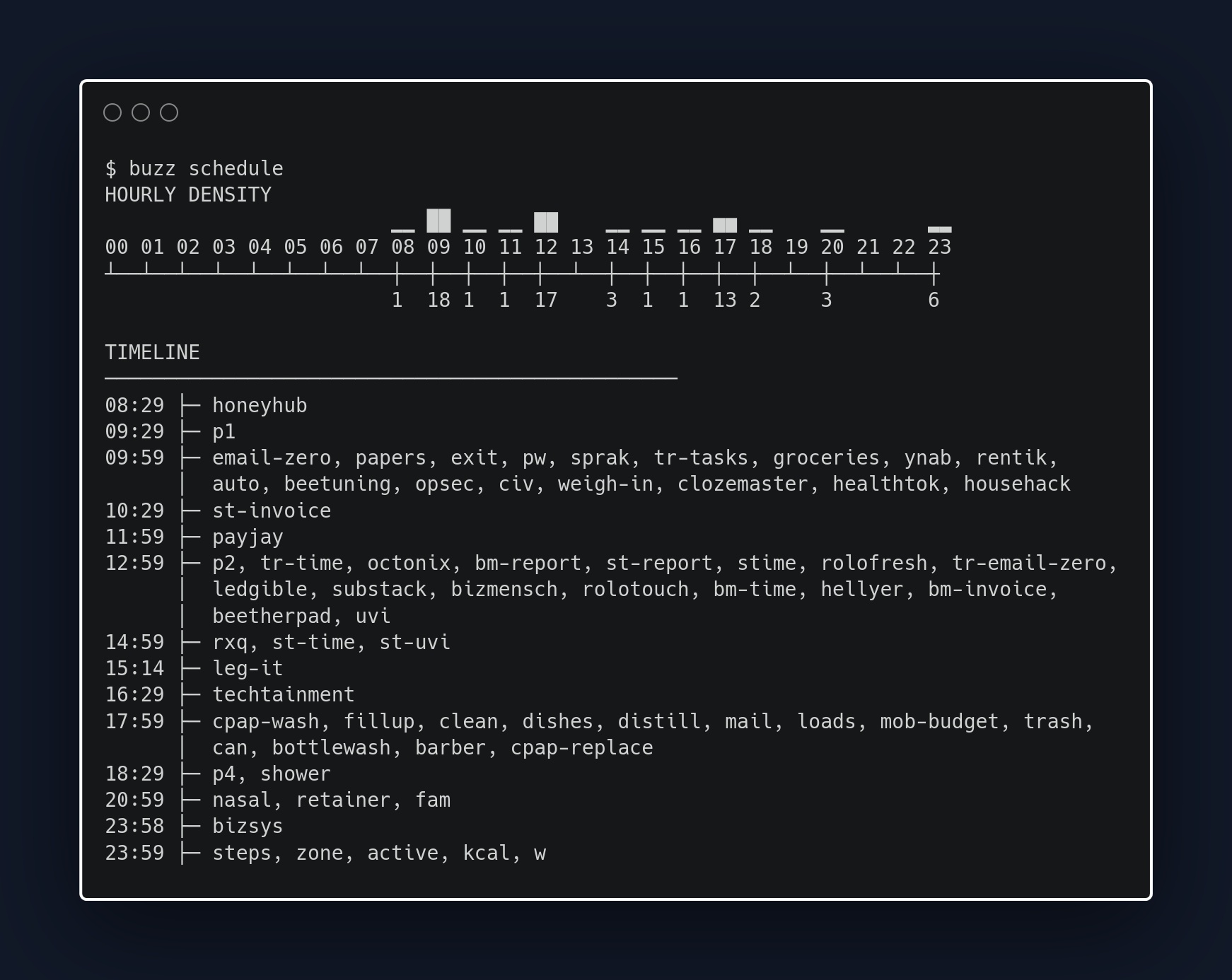
I wanted a way to see how my deadlines fall throughout a day. I find myself needing this when I need to restructure my deadlines because my typical daily constraints have changed.
Terminal Screenshots
Figuring out how to create that screenshot was a bit tricky.
Unfortunately Substack’s built-in code block support isn’t great. It doesn’t have code formatting, and, more problematic for showing off buzz schedule, it wraps by default.
I played around with using Warp shared blocks, silicon, and carbon-now-cli. Warp offers embeds, but it didn’t seem like Substack was going to support that. Silicon complained that it couldn’t detect the programming language I was using. And I couldn’t be bothered to figure out how to initialize playwright on my machine for carbon-now-cli to use.
I ended up using Carbon’s web app to create the screenshot. Painless, quite a bit of customization, and nothing to install. I like it.